Go to Configuration -> Site Management.

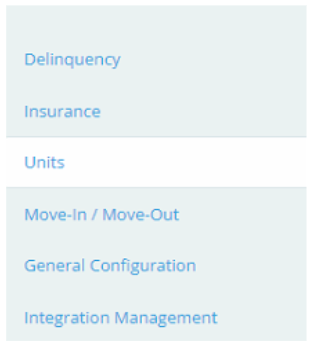
Select Units from the right menu.
Select Unit Types from the top menu, this will show all the current unit types created.
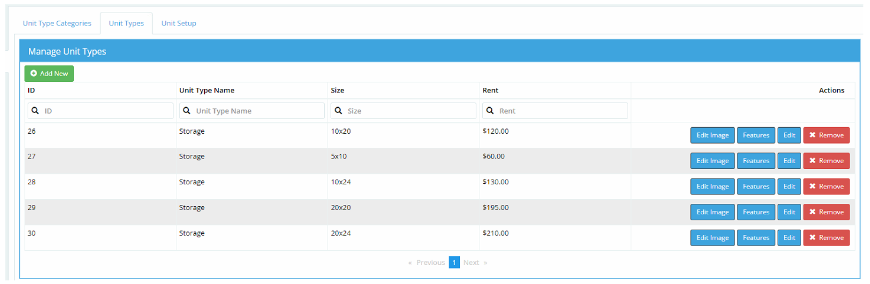
From here, you can add, edit, or remove a unit type.
Adding a Unit Type
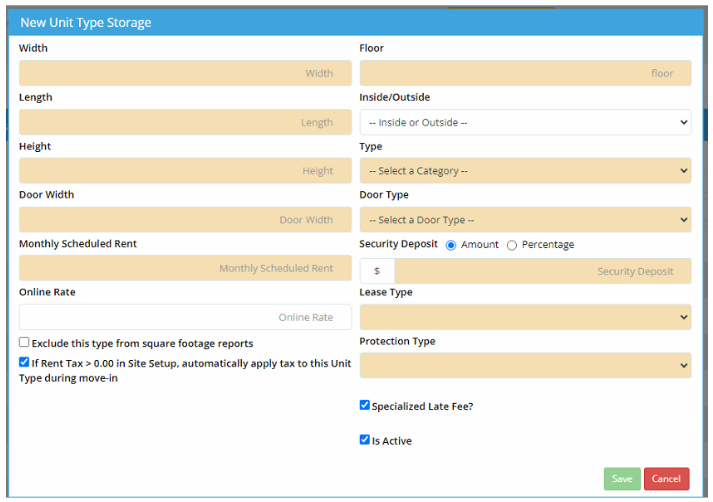
Select Add New
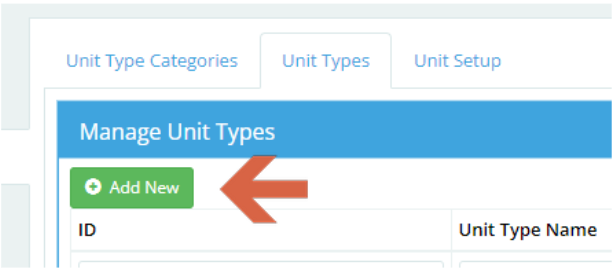
This will open the unit information window.
Enter all the necessary information and select save.
The unit is now available to use.
Edit Unit Type
Back at the main window, select Edit.

This will bring up the unit information window.
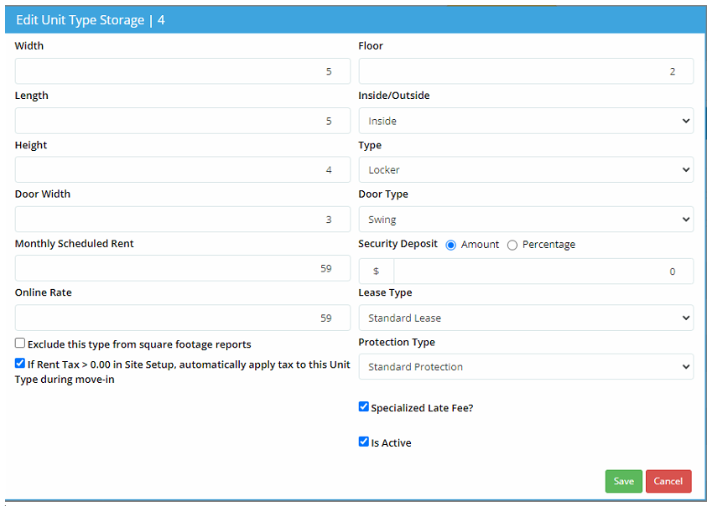
Make any needed changes and select save.
Remove Unit Type
Select the unit to remove and select Remove button.
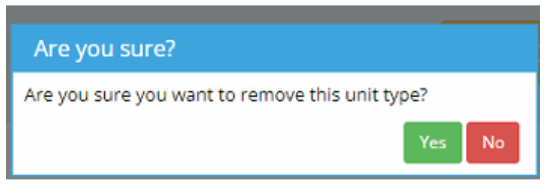
Select yes on the confirmation window.