
The security deposit can be changed or one added or removed at time of Move-in. To do this, once you get to the financial tab, select the relevant options for Rent Payment and click OK.
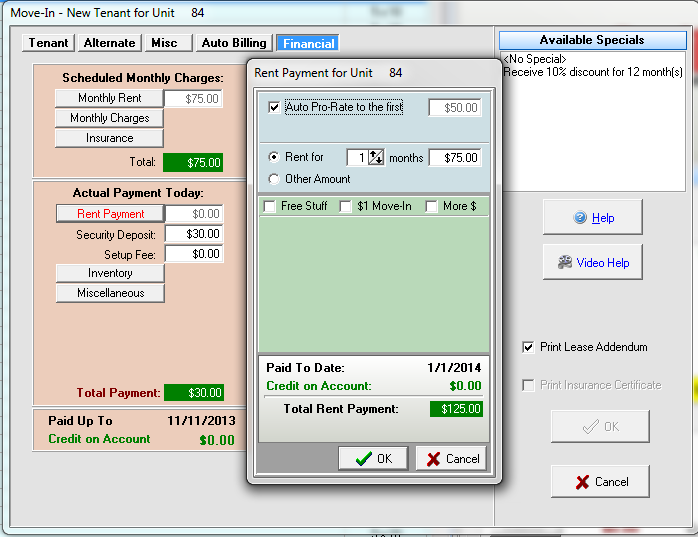
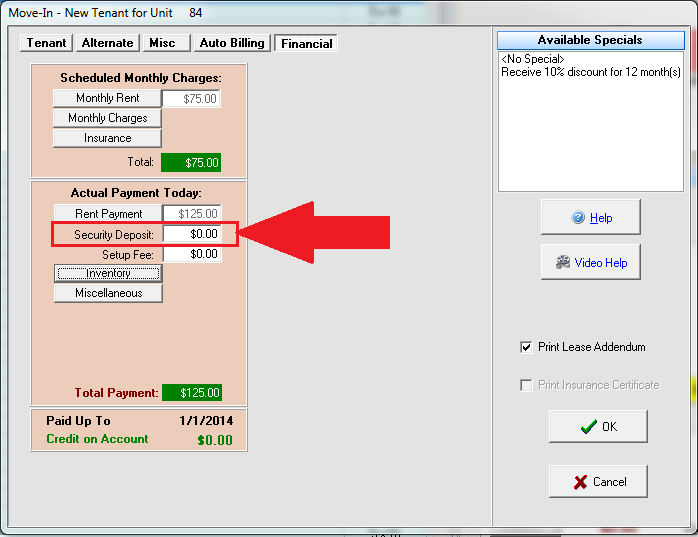
Next, locate the security deposit field on the left hand side. From this window you can change the security deposit or remove it all together. To remove just type in zero for the amount:
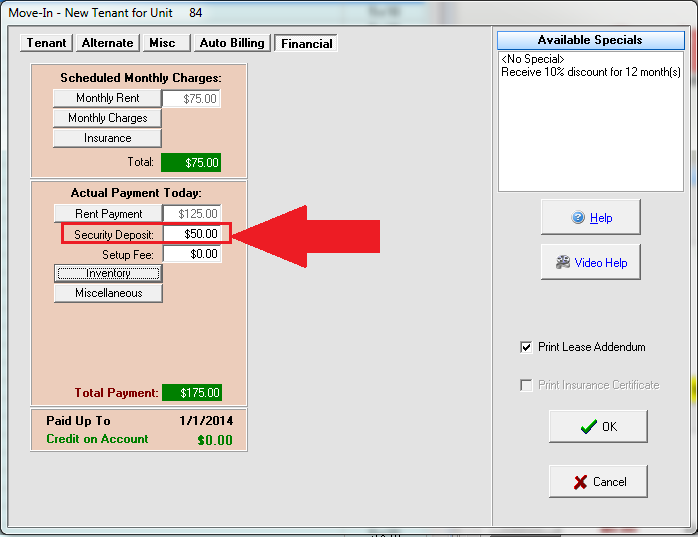
To increase or change the security deposit, just type in the correct value for this rental. Keep in mind this will only change the security deposit amount for this ONE move-in. To update the default for all vacant units of a type you will need to follow the instructions here: Setting Up Security Deposit.
When using a move-in Special via the revenue optimization center, there is an area to configure security deposit values as part of that special. Just click on the Advanced Mode box when configuring the special.