When vacating one unit of a linked set that has a balance, it is possible to transfer the balance to the remaining unit.
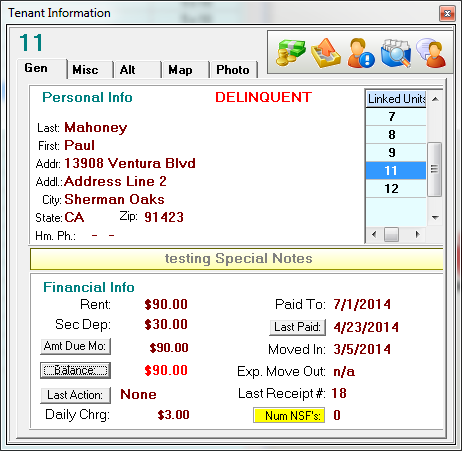
In this demonstration we are going to vacate unit 11 which has a balance of $90.00. Click the  button to start the move out process.
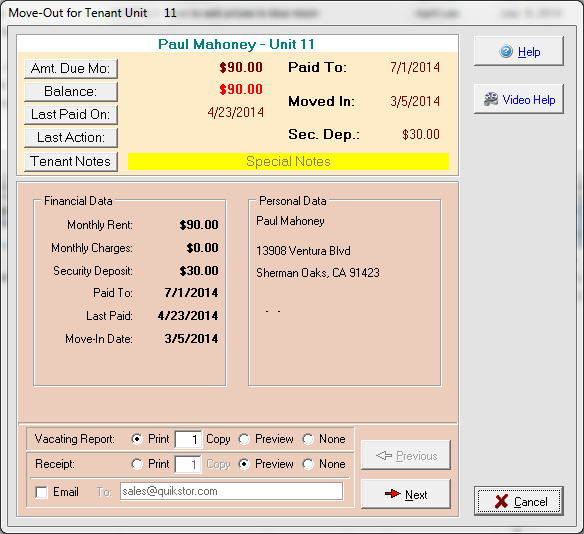
Select your desired options for printing / emailing the vacate receipt and click NEXT
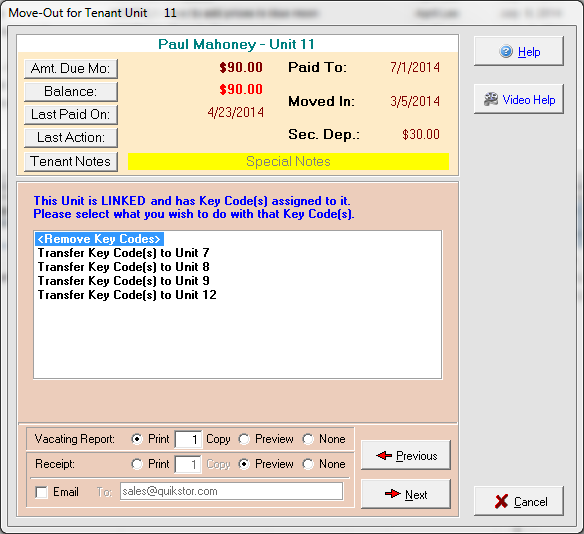
The next screen asks what you would like to do with the keycodes for this unit. You can either delete them or transfer them to one of the other linked units. Make your selection and press NEXT
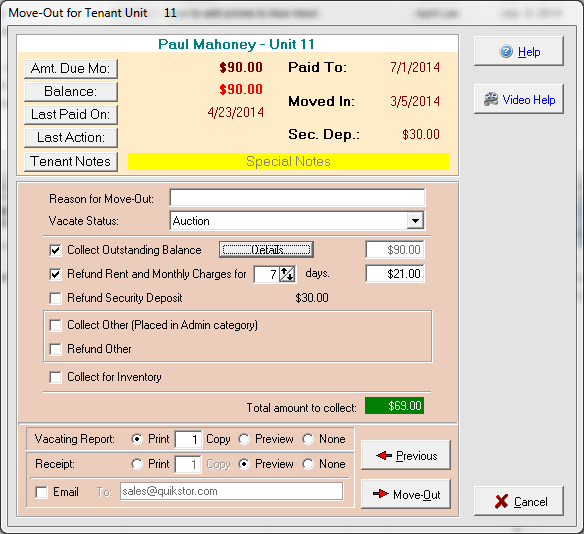
Configure this screen as you would for any other move-out. In this case I have chosen to refund the rent and monthly charges for 7 days leaving this tenant with $69.00 outstanding. Click Move-out to proceed.
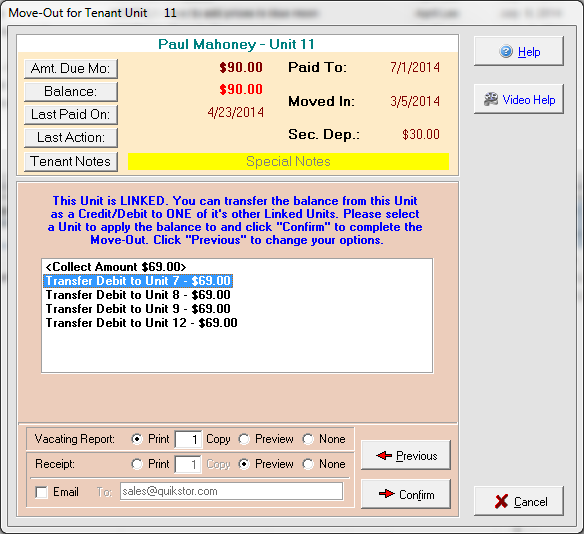
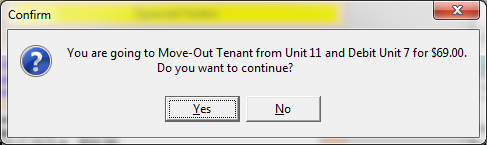
Because this is a linked unit I now have the option to either collect the amount now OR transfer the balance to one of the linked units. In this example I am going to transfer the $69.00 balance as a debit to Unit 7 and press CONFIRM.
Click YES to confirm the move-out.
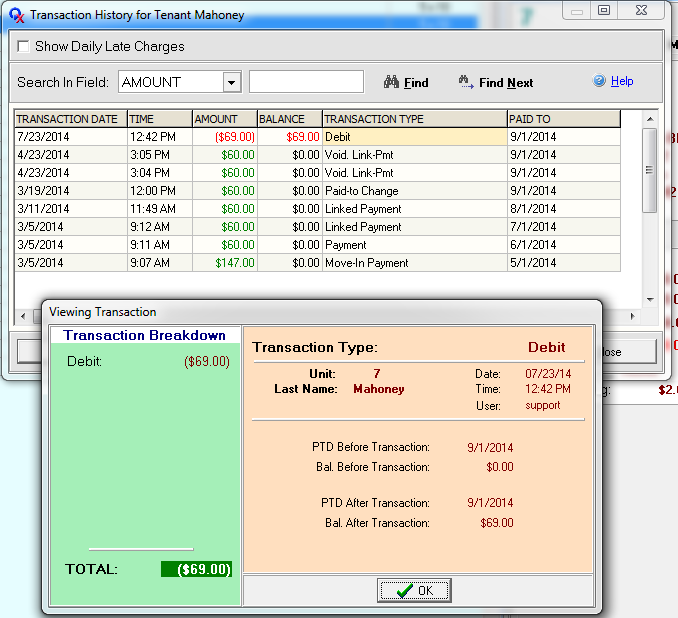
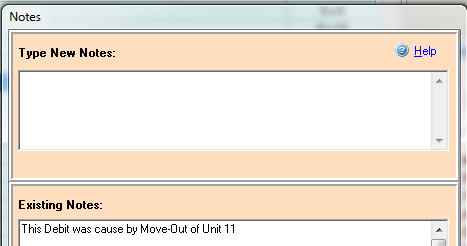
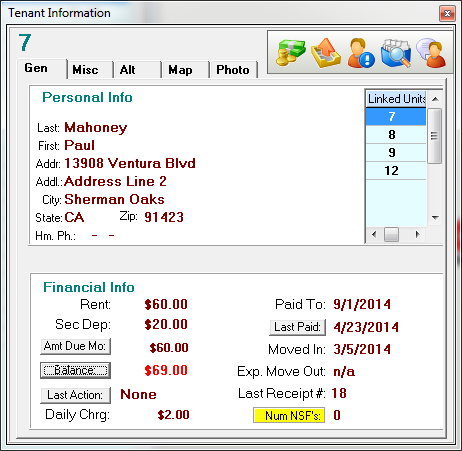
Unit 11 has been vacated and we can now see that unit 7 has had a Debit of $69.00 applied.The notes for unit 7 have been updated. Even though the unit is paid ahead it will show delinquent with a balance of $69.00.